Background Remover
for Passport Photos
Upload your photo and our AI will remove the background and replace it with a passport-compliant plain colour. Processed entirely in your browser — your photo never leaves your device.
100% Free · Processed in your browser · No sign-up needed
Remove Background from Passport Photo
Want to take a fresh photo on your phone?
Generate a QR code, scan it with your phone, take a selfie — it transfers here automatically for background removal.
🔒 Your image is processed entirely in your browser and is never uploaded to our servers.
See the Difference
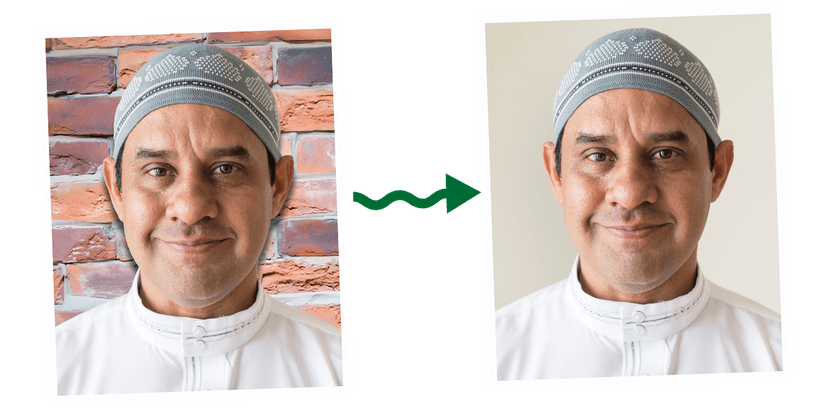
Upload any photo — even with a busy brick wall or coloured background — and our AI produces a clean, passport-ready result.
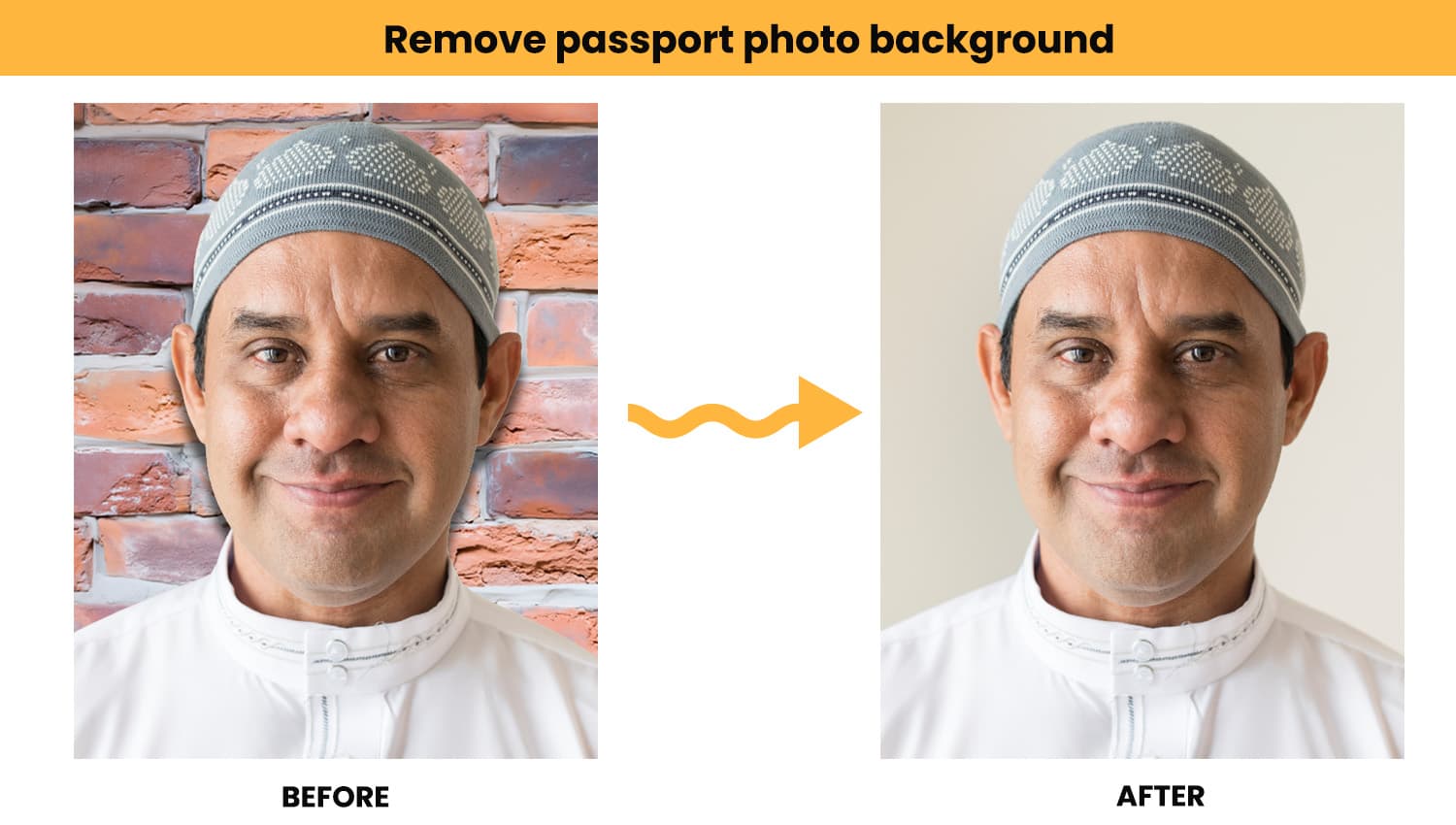
Example result — brick wall background replaced with a plain light background in seconds.
How It Works
Upload or take your photo
Upload an existing photo of your face, or use the QR code on desktop to take a fresh selfie on your phone.
AI removes the background
Our browser-based AI detects you in the photo and removes the background entirely. This takes around 10–20 seconds — no data leaves your device.
Choose your background colour
Select from white, light grey, or cream — all compliant with passport photo requirements.
Download your passport photo
Your photo is cropped to the correct passport dimensions (600 × 750 px, equivalent to 35 × 45 mm). Download and use immediately.
Passport Photo Rules
Even with a perfect background, the rest of your photo needs to meet official requirements. Here's what to check before you submit.
Plain light background
The background must be plain and light-coloured — white, off-white, light grey, or cream. No patterns, textures, or objects.
Balanced lighting
Light should be even across your face. No harsh shadows on your face or cast behind you. Avoid standing too close to a wall.
Eyes open and clearly visible
Look straight at the camera with a neutral expression. Both eyes must be fully open and clearly visible.
No glasses
Glasses are not allowed in passport photos. Remove them before taking your photo.
Face centred and straight
Your head should be centred in the frame, facing directly forward — not tilted or turned to the side.
Recent and clear
The photo should be taken within the last month. It must be in sharp focus, not blurred, pixelated, or edited with filters.
Head fully in frame
Your full head and the top of your shoulders must be visible. Nothing should obscure your face — including hair, hands, or accessories.
Natural skin tone
The photo must show your natural skin tone without heavy colour correction, filters, or editing.